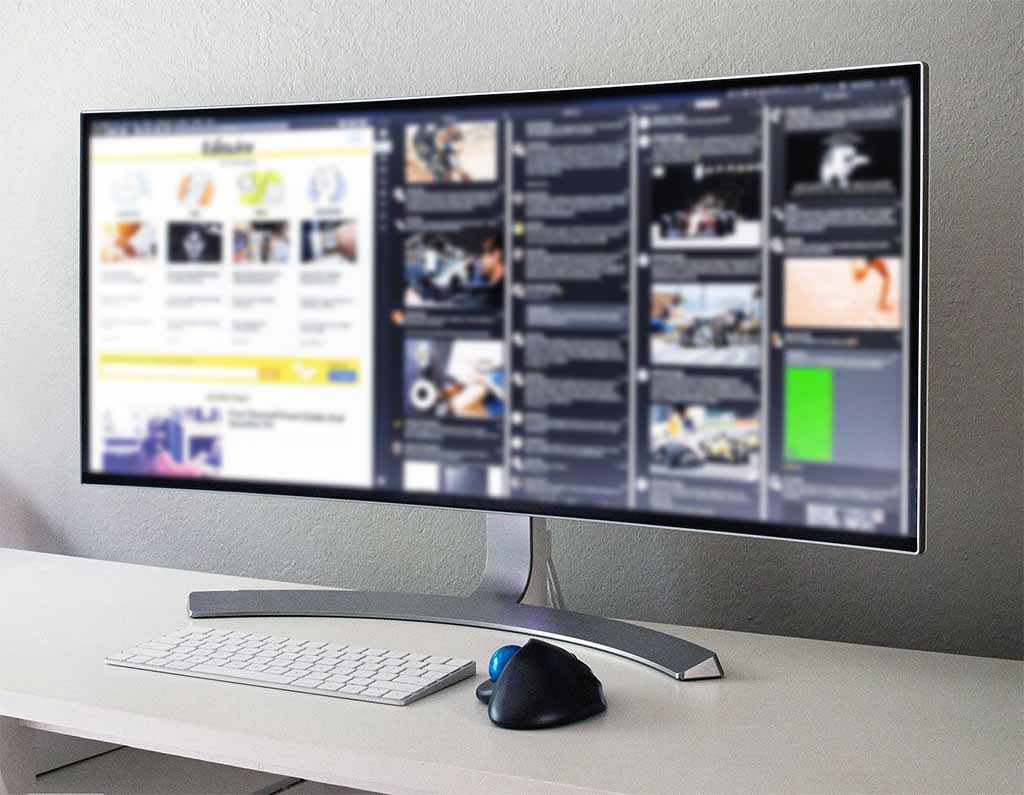
For fifteen years, the two-monitor rig was the universal badge of someone who meant business at a desk. Two panels side by side, and a strip of black plastic bezel running straight down the middle of your field of view. It marked a developer, a trader, a spreadsheet lifer — anyone whose work had outgrown a single screen. Bolting on that second monitor was the obvious move, and almost nobody questioned the seam it dropped into the center of everything.
The ultrawide pitch is simpler: one uninterrupted sheet of glass, somewhere between 34 and 49 inches wide, with nothing splitting the middle. The idea isn't new, but the economics behind it are. In 2026 an ultrawide can be a $250 curved panel or a $1,900 QD-OLED, and everything in between — brighter, sharper, and available in more shapes than the category has ever offered.
Here's the uncomfortable part for the dual-screen faithful: for a lot of people, the second monitor has quietly become the compromise rather than the upgrade. The bezel, the mismatched brightness between two panels bought a year apart, the cable sprawl, the display dialog you reopen every time Windows forgets the arrangement. None of that is fatal, and dual setups still win specific fights outright. But the default has shifted, and it's worth working out which side of the line your desk falls on.
The Seam Down the Middle
Start with the flaw a second monitor can never quite fix: the bezel. On a two-screen setup, the exact center of your workspace — the spot your eyes return to most — is a border of plastic. You either straddle content awkwardly across the gap or anoint one screen "primary" and spend the day turning your head toward it. Over eight hours, that low-grade neck rotation adds up. An ultrawide erases the seam and puts unbroken pixels precisely where you're already looking.
That carries real ergonomic weight. A single centered panel keeps your neck aligned straight ahead instead of angled toward a favored screen, and a gentle curve on a 34-inch model wraps the far edges back toward your eyes so the corners stay in focus rather than drifting off-axis. Reviewers and ergonomics guides keep landing on the same conclusion: for posture and plain simplicity, one well-placed wide screen beats two angled ones.
Then there's the desk itself. A dual rig means two stands, two power bricks, and a knot of video and USB cables — or a separate docking station to corral them. A single ultrawide collapses all of that. Dell's UltraSharp U3425WE, a 34-inch curved panel, runs a laptop over one Thunderbolt 4 cable that carries video, data, wired ethernet, and up to 90-plus watts of charging, with a built-in KVM to swap one keyboard and mouse between two machines. The monitor is the dock. One cable, no seam, no second stand eating your desk.
What "Ultrawide" Means in 2026
The word now covers three distinct shapes, and the differences matter more than the marketing lets on.
The mainstream is 21:9 at 34 inches, running 3440x1440 — roughly two 24-inch screens fused into one, and just as tall as a standard 27-inch monitor. It's tall enough for real work and wide enough for three documents abreast. Step up to 32:9 and you reach the 49-inch super-ultrawide: Samsung's Odyssey OLED G9 runs 5120x1440, which is literally two 27-inch QHD panels welded together with the bezel removed. Samsung even sells it as "Dual QHD" — an unusually honest bit of branding about exactly what it replaces.
The newest tier is 5K2K: 5120x2160 stretched across 39 to 40 inches. LG's UltraGear GX9 uses a tandem WOLED panel at 165Hz for around $1,800, while Dell's U4025QW and LG's 40WP95C aim at creators and coders who want desktop-class sharpness. At roughly 140 pixels per inch, text on these stays crisp at any scaling, and three full-width windows sit side by side without crowding. Pixel density is the quiet dividing line here — a 34-inch 3440x1440 panel is comfortable, but it isn't sharp the way a 5K2K screen is.
The 2026 Lineup
| Monitor | Size / Aspect | Resolution | Panel / Refresh | Street Price | Best For |
|---|---|---|---|---|---|
| Gigabyte GS34WQC | 34" / 21:9 | 3440x1440 | VA / 120Hz (OC 135Hz) | ~$250-$300 | Entry ultrawide on a budget |
| Dell UltraSharp U3425WE | 34" / 21:9 | 3440x1440 | IPS / 120Hz | ~$820 | Office work, laptop docking |
| Asus ROG Swift OLED PG34WCDM | 34" / 21:9 | 3440x1440 | WOLED / 240Hz | ~$800-$900 | Gaming, bezel-free immersion |
| LG UltraGear GX9 (39GX950B) | 39" / 21:9 | 5120x2160 | Tandem WOLED / 165Hz | ~$1,800 | Sharp text plus fast gaming |
| Samsung Odyssey OLED G9 (G95SD) | 49" / 32:9 | 5120x1440 | QD-OLED / 240Hz | ~$1,200 | Replacing dual 27" outright |
Prices reflect typical US street pricing at Dell, Best Buy, Amazon, and Newegg in mid-2026; the OLED models in particular swing several hundred dollars during sale events. The Odyssey G9 carries a list price near $1,900 but has dipped close to $980 on promotion — the kind of gap that makes patience pay on this tier.
The Productivity Math
The case for more screen space rests on genuinely old research, and it has held up. Jon Peddie Research has surveyed workers about multi-display setups since 2002, and its numbers have barely moved across two decades.
"We found that users of multiple monitors have an average expected productivity increase of 42%," said Dr. Jon Peddie, whose firm surveyed more than 1,000 information workers, designers, and engineers for the finding.
Read that carefully, though, because it's a claim about screen area, not about the number of physical boxes on your desk. The gain comes from having more usable pixels in front of you — and a 49-inch ultrawide delivers the same real estate as two 27-inch monitors without a bezel running through it. The wide single panel arguably banks the benefit the studies describe while shedding the drawback they never accounted for.
The classic objection is window management. Dropped onto a 34-inch canvas, apps built for 16:9 can sprawl into "wide, short windows that are awkward to use," as PCWorld once put it. That was a fair knock a few years ago; it's largely solved now. Windows' built-in snap layouts, Microsoft's free PowerToys FancyZones, and macOS tools like Stage Manager let you carve an ultrawide into halves or thirds that behave like separate monitors — minus the hardware seam. Configure it once, and a 34-inch panel drops a browser, an editor, and a chat window into tidy columns on its own.
Where Two Screens Still Win
This isn't a clean sweep, and pretending otherwise would be dishonest. Dual monitors hold advantages no ultrawide can match.
The biggest is orientation. You can rotate one screen of a pair into portrait mode — a tall column for reading code, long documents, or a chat feed — and an ultrawide simply can't pivot. PCWorld flags this as the single strongest reason to stay with two panels. Redundancy is next: if one monitor in a pair dies, you keep working on the other; when a lone ultrawide fails, the entire desk goes dark. Two separate inputs also let you drive two different computers at once, one per screen, which a single panel can't do without a KVM.
There are format headaches, too. Plenty of 16:9 apps and websites leave empty gutters on a 21:9 screen. And console gaming is a real weak spot — the PlayStation 5 and Nintendo Switch letterbox to 16:9 on an ultrawide and can drop to 1080p, wasting the panel you paid for. If your screen pulls double duty as a console display, two conventional monitors sidestep the problem entirely.
The rule of thumb: ultrawide rewards one big continuous task, while dual rewards juggling many separate ones. Match the hardware to the shape of your day, not to a spec sheet.
The Money
Cost is where dual setups punch back hardest. Two solid 27-inch QHD monitors can be had for a few hundred dollars total, and for straightforward office work — email on one, documents on the other — that pairing delivers most of the benefit of a far pricier ultrawide. One widely repeated comparison frames a $700 dual setup as delivering roughly 90 percent of the productivity of a $1,300 ultrawide.
The math tilts once you account for everything a serious dual rig actually needs. A dock or KVM, a dual-monitor arm, the extra run of cables — those costs add up, and a panel like the Dell folds all of them into the display itself. The entry price for the format has also fallen hard: a curved 34-inch 3440x1440 screen now starts around $250 to $300. The premium you pay in 2026 buys OLED contrast or 5K2K sharpness, not the wide shape itself.
Buy the Shape of Your Work
The honest verdict tracks your workflow. If your day is one continuous canvas — a video timeline, a sprawling spreadsheet, an IDE flanked by a browser and a terminal, or an immersive strategy game — the seamless ultrawide is the better desk in 2026, and the economics behind it have never been friendlier. If you live in portrait code windows, run two machines side by side, game on a console, or want a spare screen for the day one panel gives out, the pair still earns its keep.
The bezel down the middle isn't obsolete. It's just no longer the automatic answer — and for a growing share of desks, ditching it is the upgrade the second monitor used to be.