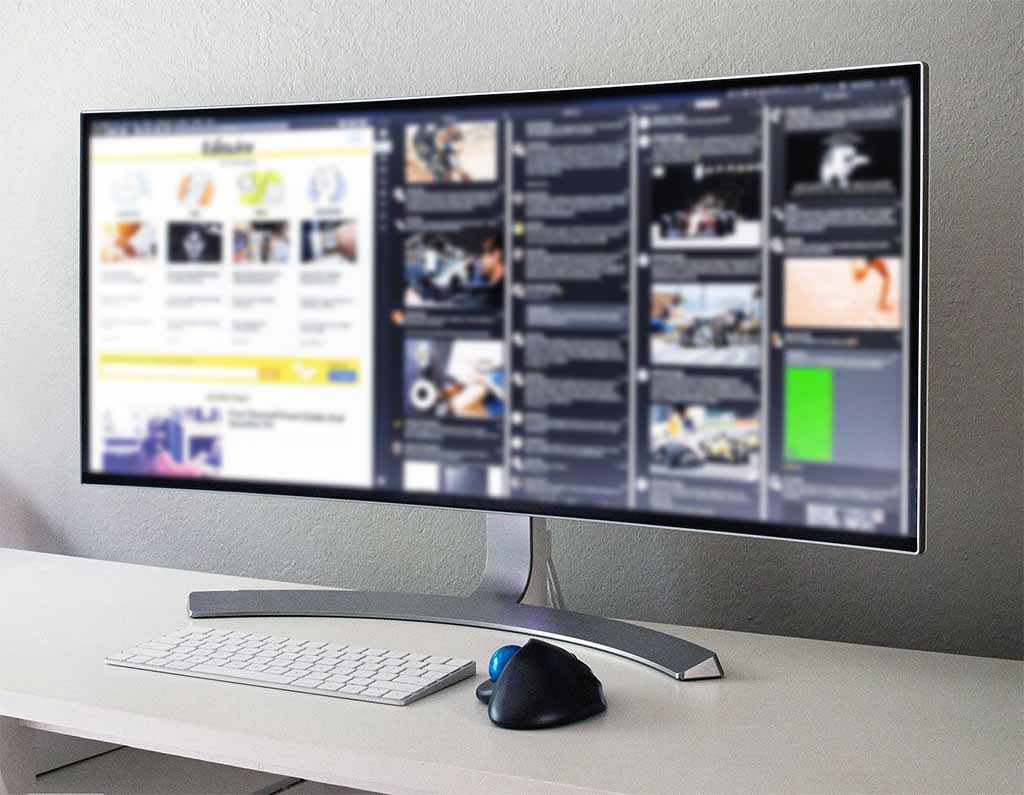
For a decade, the flex was obvious: a big OLED bolted to the living-room wall, a console glowing beneath it, a couch pulled up close. That screen was the centerpiece of the whole hobby. Now walk into the same enthusiast's home and the action has moved down the hall to a desk, where a 27-inch panel a fraction of the TV's size refreshes four times as fast and cost less than half as much.
The shift is real, and it isn't because televisions got worse. Gaming TVs in 2026 are the best they have ever been — low-lag Game Modes, HDMI 2.1 ports, variable refresh rate, the works. The problem is that gaming monitors sprinted so far ahead on the numbers competitive players actually feel — refresh rate, pixel response, and sharpness up close — that a living-room set simply can't keep stride once you're sitting two feet from it. Add the fact that OLED, the panel technology that made premium TVs look jaw-dropping, now ships in monitors that cost less than a midrange television, and the migration starts to look less like a fad and more like gravity.
There's honest nuance here, and we'll get to it: if you play with a controller from the couch, a good TV is very likely still your smartest buy. But for the swelling ranks of players who game at a desk with a mouse in hand, the case for a dedicated monitor has gone from "nice to have" to "hard to argue against." Here's what actually changed.
The Refresh-Rate Gap Turned Into a Chasm
Televisions have a ceiling, and by monitor standards it's low. Even a flagship gaming TV like Samsung's QN90F tops out at 4K/165Hz across its four HDMI 2.1 ports, and the vast majority of sets on sale still cap at 120Hz. That number barely moved in 2026, because TV makers spend their engineering budget on brightness, processing, and panel size — not on frames per second.
Monitors went the other direction, and they went vertical. TFTCentral's 2026 OLED monitor guide lists the Asus ROG Swift PG27AQWP-W running 540Hz at 1440p — and switching to a 720Hz "dual mode" by dropping to 720p. QD-OLED panels from MSI (the MPG 271QR X50) and Asus (the ROG Strix XG27AQDPG) hit a clean 500Hz. Even 4K monitors now pull double duty: the 32-inch Asus ROG Strix XG32UCWMG runs a native 240Hz at full 4K and 480Hz when you drop it to 1080p. A gaming television, no matter how expensive, physically cannot present that many frames per second.
The leap to triple-digit refresh isn't a boutique curiosity anymore, either. Non-OLED speed demons like the 500Hz Alienware AW2524HF have landed around $650, pushing the once-exotic 500Hz club toward the mainstream. And dual-mode panels dissolve the old trade-off between resolution and speed — one display can be a sharp 4K screen for single-player games and a blistering 1080p one for a ranked session, no second monitor required.
There's a catch that keeps this honest. If you game on a PlayStation 5 or Xbox Series X, both consoles cap their output at 120Hz, and their 120fps modes usually render at 1080p or 1440p before upscaling to 4K. A console literally cannot feed a 500Hz panel. So the refresh-rate explosion is a PC-gaming story first — and PC is exactly where the desk migration is happening fastest.
Response Time Is Where OLED Monitors Run Away
Refresh rate decides how many frames arrive; response time decides how cleanly each pixel changes to show them. This is OLED's home turf. Because OLED pixels emit their own light instead of twisting a layer of liquid crystal, a QD-OLED monitor rates around 0.03ms gray-to-gray — roughly thirty times quicker than the ~1ms the best Fast IPS LCDs advertise. The payoff is motion with almost no smearing trailing behind fast-moving objects, which is precisely the artifact that makes flick shots and fast camera pans feel muddy.
That advantage compounds with refresh rate in a way spec sheets bury. On any modern "sample-and-hold" display, each frame stays lit until the next one replaces it, and that hold time — not raw pixel speed — becomes the dominant source of perceived motion blur. At 240Hz a frame lasts about 4.17ms; at a TV's 120Hz it lingers roughly twice as long. This is why a 240Hz OLED monitor can look cleaner in motion than a 360Hz LCD, and dramatically cleaner than a 120Hz television. LCD TVs make the gap worse: DisplayNinja pegs a typical IPS TV's response at around 15ms against roughly 5ms for an IPS monitor, which shows up as visible trailing behind anything that moves at speed.
The takeaway: monitors don't just push more frames than a TV — with OLED, each of those frames is also sharper in motion. Refresh rate and response time multiply together, and the desk display wins on both counts.
The One Gap That Actually Closed
Here is where the marketing oversells its hand. For years, the case against gaming on a TV was input lag — the delay between your click and the screen reacting to it. That argument has largely expired. Modern gaming TVs in Game Mode now post single-digit-millisecond lag: the LG C5 OLED measures somewhere around 9 to 11ms. Good gaming monitors land in the 1–5ms range, so the monitor still wins the number — but the gap is tiny in human terms. One frame at 60fps takes 16.67ms, and most players don't consciously perceive lag until it climbs toward 40–50ms. A 9ms TV and a 3ms monitor are both comfortably inside the zone where reflexes, not the panel, decide the fight.
So if a salesperson tells you to abandon your television purely over input lag, push back — the difference is real but rarely decisive. The reasons that actually justify the switch live elsewhere: raw refresh rate, motion clarity, and, maybe most underrated of all, what happens to an image when you sit close to it.
Sitting Two Feet Away Changes the Math
A TV is engineered to look great from eight feet away on a couch. A monitor is engineered to look great from two feet away at a desk. That distance changes everything about sharpness. DisplayNinja's rule of thumb captures it well: 1080p looks fine on a 32-inch TV but blurry on any monitor larger than 24 inches, because pixel density collapses as you stretch the same resolution across a bigger panel. Park a 55- or 65-inch 4K TV on a desk and you're staring at large, visible pixels — plus a field of view so wide your eyes have to travel to track the action. Put 4K on a 27- or 32-inch monitor and you land near 140–160 pixels per inch, which renders text, HUD elements, and fine textures razor-sharp at reading distance.
There's a subtler culprit, too. To reach their highest refresh rates over HDMI, some TVs quietly fall back to chroma subsampling — compressing color information — which smears fine colored detail and turns small text fuzzy. Desktop monitors are tuned to run full, uncompressed color at their rated speeds. Layer on height-adjustable stands, tighter viewing angles, and the plain fact that a desk was built around a monitor in the first place, and the ergonomic case writes itself.
OLED Monitors Finally Got Affordable
None of this would matter if OLED monitors still cost as much as the televisions they're replacing. They don't anymore. Alienware's AW2725D — a 27-inch, 1440p QD-OLED running 280Hz — carries a list price around $550 and routinely dips under $500 during sales. Want more speed? A 500Hz QD-OLED like MSI's MPG 271QR X50 runs roughly $899, and the 360Hz MSI MPG 271QRX sits between the two. For the price of a midrange OLED TV, you can put a faster, sharper, self-emissive panel directly in front of your face — sized for the distance you actually sit at.
| Spec (2026) | Gaming Monitor | Gaming TV |
|---|---|---|
| Max refresh rate | 500–540Hz (720Hz dual mode) | 120Hz, up to 165Hz on flagships |
| Pixel response | ~0.03ms OLED / ~5ms IPS | ~15ms IPS LCD / near-instant OLED |
| Input lag (Game Mode) | 1–5ms | ~5–11ms |
| Typical size / distance | 27–34", about 2 ft away | 55–77", about 8 ft away |
| Sharpness at a desk | ~140–160 PPI, full color | Low PPI up close, color may compress |
| Entry OLED price | ~$500 (27" 1440p QD-OLED) | ~$900+ (42–48" OLED) |
Prices reflect typical US street pricing in 2026 at retailers like Best Buy, Amazon, and Newegg; seasonal sale events push the monitors lower still.
When the TV Still Wins
Now the counterweight, because "ditching TVs" is a headline, not a universal law. If your gaming happens on a console with a controller from the couch, a good gaming TV is very likely the smarter purchase — bigger, more cinematic, and shared with everyone in the room. Sprawling single-player epics were built to be savored on a 65-inch screen, not hunched over on a desk. Local co-op and party nights need a display the whole couch can see. And plenty of players are being nudged toward a $300–$500 monitor to replace a television that was doing the job just fine — occasionally better.
The consoles reinforce the point. Since a PS5 or Series X can't exceed 120Hz anyway, the monitor's headline refresh numbers are simply wasted on them. For that audience, a TV with a 120Hz panel, HDMI 2.1 inputs, variable refresh rate, and a low-lag Game Mode captures very nearly everything the hardware is capable of sending — and does it at a size that fills the room instead of a desk.
The Screen Didn't Win — The Setup Did
The migration from TVs to monitors isn't really a story about one display beating another. It's about gamers sorting themselves by how and where they play. Sit at a desk with a mouse, chase high frame rates, and care about crisp text and clean motion, and the monitor now wins on nearly every axis that matters — and it costs less while doing it. Sink into a couch with a controller for cinematic, shared, console-first sessions, and the TV keeps its throne.
What genuinely changed in 2026 is that the desk finally has a screen worthy of it: OLED response, absurd refresh rates, and a sharpness a living-room set can't touch up close, all for the price of a mainstream television. The gamers "ditching" their TVs aren't walking away from a bad product. They're moving to the room where they were going to play anyway — and buying the screen that room has quietly earned.