In February 2025, hackers pulled roughly $1.5 billion out of the crypto exchange Bybit in a single attack — the largest theft in the industry's history, and one the FBI and multiple blockchain analysis firms attributed to North Korean state hackers. The customers who lost sleep that week hadn't clicked a shady link or mistyped an address. They had simply done what most beginners do: bought coins on an exchange and left them there.
That's the uncomfortable truth hiding behind the friendly interfaces of Coinbase, Robinhood, and Cash App. When you buy crypto through an app and never move it, you don't really have a wallet yet. You have an IOU from a company that holds the keys on your behalf. Sometimes that's fine. Sometimes — as Bybit's users, and before them customers of FTX, Celsius, and Mt. Gox, discovered — it very much isn't.
A crypto wallet is how you take actual possession of what you bought. The good news: your first one can cost nothing, and even the gold-standard option runs less than a decent pair of headphones. The bad news: the wallet world is full of jargon, look-alike scams, and one small mistake — mishandling a 12-word phrase — that can erase your savings with no customer-service line to call. Here's what to understand before you commit a single dollar.
A Wallet Doesn't Hold Coins — It Holds Keys
The name is misleading. Your bitcoin or ether never sits "inside" a wallet the way cash sits in a billfold. Coins live on the blockchain, a public ledger copied across thousands of computers. What a wallet stores is your private key — the cryptographic secret that proves you own a particular address and authorizes spending from it.
When you create a self-custody wallet, it generates that key and shows you a backup: a seed phrase (also called a recovery phrase), typically 12 or 24 randomly chosen English words. Those words can regenerate every key and every account in the wallet. Lose your phone and the phrase restores everything on a new device. But the arithmetic is brutal in both directions: anyone who obtains those words controls your funds completely, and if you lose the phrase along with the device, the money is gone. No password reset, no fraud department, no undo.
Every wallet decision — hot versus cold, custodial versus self-custody, $0 versus $399 — is really a decision about where that key lives and who can touch it.
Custodial or Self-Custody: The First Fork in the Road
A custodial wallet means a company — usually an exchange — holds the private keys for you. You log in with an email and password, and if you forget them, support can help you back in. That familiarity is genuinely valuable for a beginner. The trade-off is that you hold a claim against the company rather than the asset itself, much like a bank balance. If the exchange is hacked, freezes withdrawals, or goes bankrupt, your claim goes to the front of a very long line of lawyers.
A non-custodial (self-custody) wallet flips the arrangement. You hold the keys; no company can freeze, lose, or lend out your coins. The cost is responsibility: you manage the seed phrase, you verify the addresses, and you absorb your own mistakes.
The pragmatic answer for most newcomers isn't either/or. Keep small, actively traded amounts on a reputable US exchange, and move anything you'd hate to lose into a wallet you control. Learning self-custody with $50 is education; learning it with your emergency fund is gambling.
Hot Wallets: The Free On-Ramp
Software wallets — "hot" wallets, because they run on internet-connected devices — are free apps and browser extensions, and they're where nearly everyone should start. MetaMask remains the default for Ethereum and compatible networks and has added support for assets like Bitcoin and Solana. Phantom, which began as a Solana wallet, now draws praise from reviewers for one of the most polished multi-chain interfaces available, plus built-in scam detection. Coinbase Wallet (a separate, self-custody product from the exchange app) and Trust Wallet round out the beginner short list, both supporting a wide spread of coins and networks.
Hot wallets are ideal for small balances, experimenting with swaps, and learning how transactions actually feel. Their weakness is exposure: because the keys live on a device that browses the internet, they're reachable by malware, phishing sites, and "drainer" scripts that empty a wallet the moment a victim approves a malicious transaction.
Chainalysis counted roughly 158,000 personal-wallet compromise incidents in 2025 — nearly triple the 54,000 recorded in 2022 — with at least 80,000 victims losing a combined $713 million, according to the firm's December 2025 crypto theft report.
The pattern in that data is worth internalizing: attackers are targeting more individuals and stealing smaller amounts per victim. You don't need to be a whale to be worth robbing.
Cold Storage: What $59 to $399 Buys You
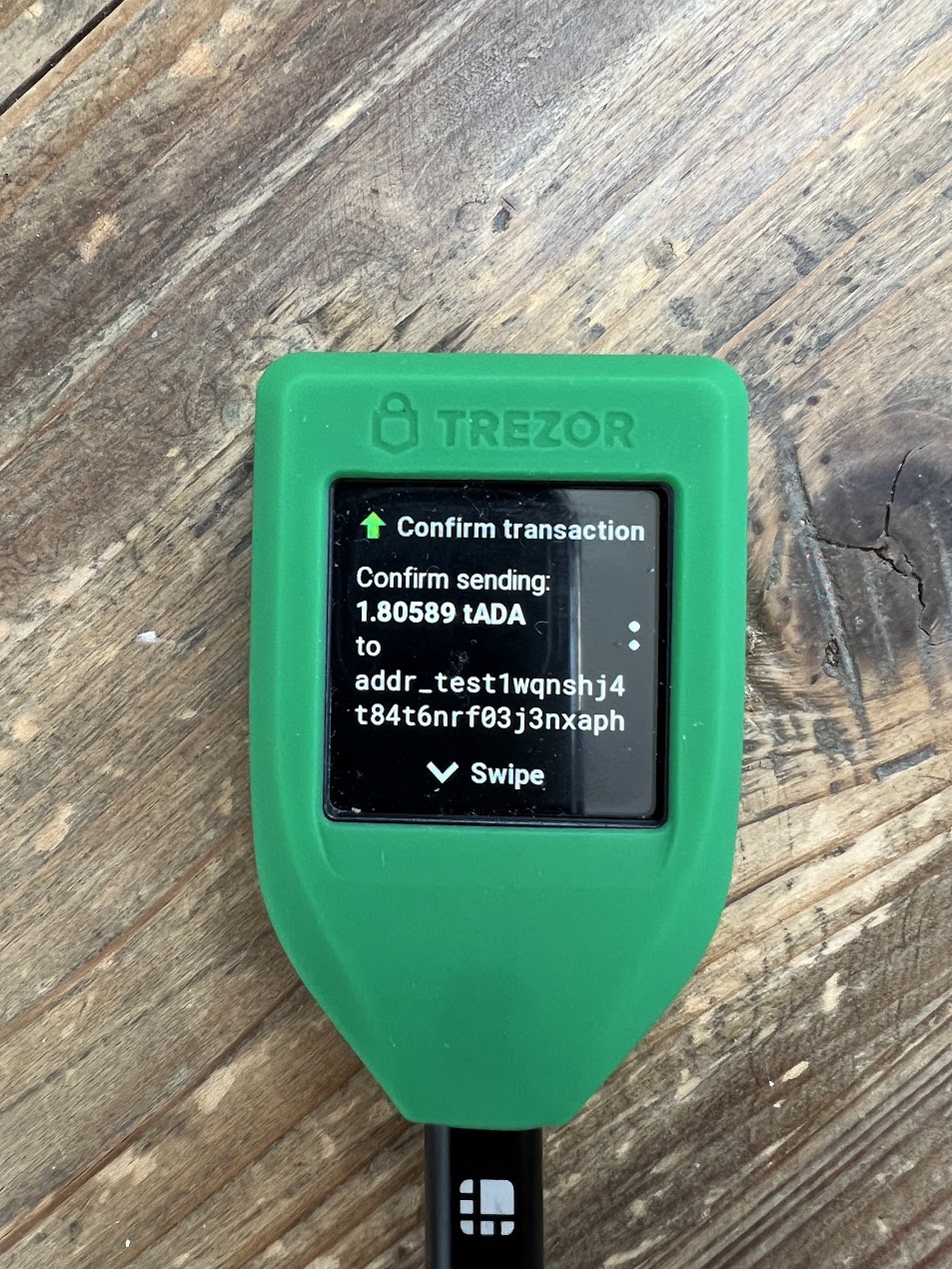
A hardware wallet (or "cold" wallet) is a small device — USB stick, credit-card, or touchscreen form factor — that keeps your private keys on a chip that never touches the internet. Transactions are prepared on your computer or phone, then physically confirmed on the device, so malware on your laptop can't sign anything on its own. A common rule of thumb among reviewers: once your holdings pass roughly $1,000, the cost of a hardware wallet stops being a debatable expense.
Two brands dominate the US beginner market, and their current lineups span a wide price range:
| Model | List price (USD) | Screen | Stands out for |
|---|---|---|---|
| Trezor Model One | $59 | Small two-button display | Cheapest entry to cold storage; fully open-source |
| Trezor Safe 3 | $79 | Small display | Adds a certified secure-element chip |
| Trezor Safe 5 | $129 | Color touchscreen | Easier confirmations, open-source firmware |
| Ledger Nano X | $149 | Small display + Bluetooth | Mobile pairing; supports 5,500+ assets |
| Ledger Flex | $249 | E Ink touchscreen | Full transaction details shown on-device |
| Ledger Stax | $399 | Curved E Ink touchscreen | Premium design, same security core |
Prices reflect manufacturer and review-site listings as of mid-2026; promotions and regional pricing vary, so check the official stores before buying.
The philosophical split between the brands matters more than the hardware. Trezor's software is 100% open-source, meaning independent researchers can audit every line — a real trust advantage, though its devices have faced physical-access exploits in lab conditions and it officially supports more tokens (8,000+) while sometimes adding new ones slowly. Ledger keeps its device firmware proprietary but pairs a certified secure element with a slick app for buying, staking, and NFTs, and its newer E Ink screens tackle "blind signing" — the dangerous practice of approving transactions you can't fully read. Either brand is a defensible first choice; what's not defensible is skipping cold storage entirely once real money is at stake.
The Seed Phrase Is the Whole Ballgame
However you store keys, the seed phrase is your single point of failure, and protecting it follows a few non-negotiable rules. Write it on paper — or better, stamp it into a steel backup plate sold for about $20–$50 — and store it somewhere secure and private. Never photograph it, never type it into a notes app, never save it in email or cloud storage, and never enter it into any website or "validation" pop-up. Legitimate software will only ever ask for it during a deliberate wallet recovery that you initiated.
If the idea of guarding 12 words forever makes you nervous, seedless designs exist. ZenGo uses multi-party computation (MPC) to split key material so there's no single phrase to steal or lose, with email-and-biometric recovery instead. Tangem sells NFC card-based wallets where keys are generated on the card itself and backed up across duplicate cards. Reviewers increasingly recommend these for beginners prone to losing things — the trade-off is more reliance on the company's recovery infrastructure and, in some cases, closed-source code that outside auditors can't inspect.
Buying Smart: Where to Shop and What to Refuse
Hardware wallets have their own supply-chain scams, so where you buy matters as much as what you buy. Order directly from the manufacturer — trezor.io or ledger.com — or from resellers the manufacturer explicitly lists as authorized. Never buy a used device, and treat any deep-discount listing from an unfamiliar third-party marketplace seller as radioactive: tampered devices do circulate.
When the box arrives, three checks protect you. First, a legitimate device generates a brand-new seed phrase on its own screen during setup; if anything in the package comes with a pre-printed recovery phrase or a "scratch to reveal" card, it's a theft kit — return it. Second, install the companion app only from the official website or the Apple/Google app stores via the manufacturer's own link, because fake wallet apps are a well-worn phishing vector. Third, before moving your savings, send a small test amount, then recover the wallet from your written phrase on purpose. Ten minutes of practice beats discovering a transcription error after it matters.
The same skepticism applies to software wallets: bookmark the official site, double-check extension publisher names, and assume any DM, pop-up, or "support agent" asking for your seed phrase is a thief, because it always is.
Start smaller than feels necessary. Open a free hot wallet this week, move $20 into it, and make your mistakes cheaply. When your balance grows past the point where losing it would sting, spend the $59 to $149 on a hardware wallet from an official store and migrate. Crypto's core promise is ownership without permission — and the wallet, not the exchange account, is where that ownership actually begins.